

Ever thought your coffee maker could be your smart buddy? Digital brewing mixes classic coffee goodness with a bit of modern magic. Imagine a machine with little sensors, tiny tools that check things like temperature and pressure, making sure every cup is just right.
This guide will walk you through setting up a smart coffee maker that takes the guesswork out of your morning routine. With just a few simple settings, you can turn your daily brew into a consistently tasty treat. Isn't it amazing how a little tech can make your coffee feel even more special?
Mastering the Basics of Smart Digital Brewing
Smart digital brewing is a fresh way to make your coffee. It blends modern tech with the classic method you know and love. Instead of just heating water and dribbling coffee, these smart machines use tiny sensors (little gadgets that check things like temperature) and microchips to let you fine-tune your brew. Think of it like riding a bike with gears, you get lots more options. For instance, picture a machine that tells you when your coffee’s ready, unlike one that simply brews without any hints.
These days, smart coffee makers bring lots of neat features. They might have a digital screen that lets you pick your drink, tweak its strength, or set the perfect heat. Some even let you start your brew with a tap on your phone, working with smart devices like the TP-Link Tapo Smart Plug or SwitchBot Smart Switch. And yes, they sometimes warm up super fast, imagine a machine ready to go in just a few seconds, giving you a smooth, consistent cup every time.
But the perks of smart brewing aren’t just about wow-ing your buddies. These makers deliver each cup with the same careful touch, so whether you crave an espresso or a good old filter coffee, you can count on it every time. With digital dials, you can set the ideal coffee-to-water mix, temperature, and pressure to bring out the best flavor. This handy consistency turns your morning coffee ritual from a guessing game into an effortless, enjoyable experience, making it easier to try new recipes and really savor the art of coffee.
Comparing Beginner-Friendly Smart Digital Brewing Machines
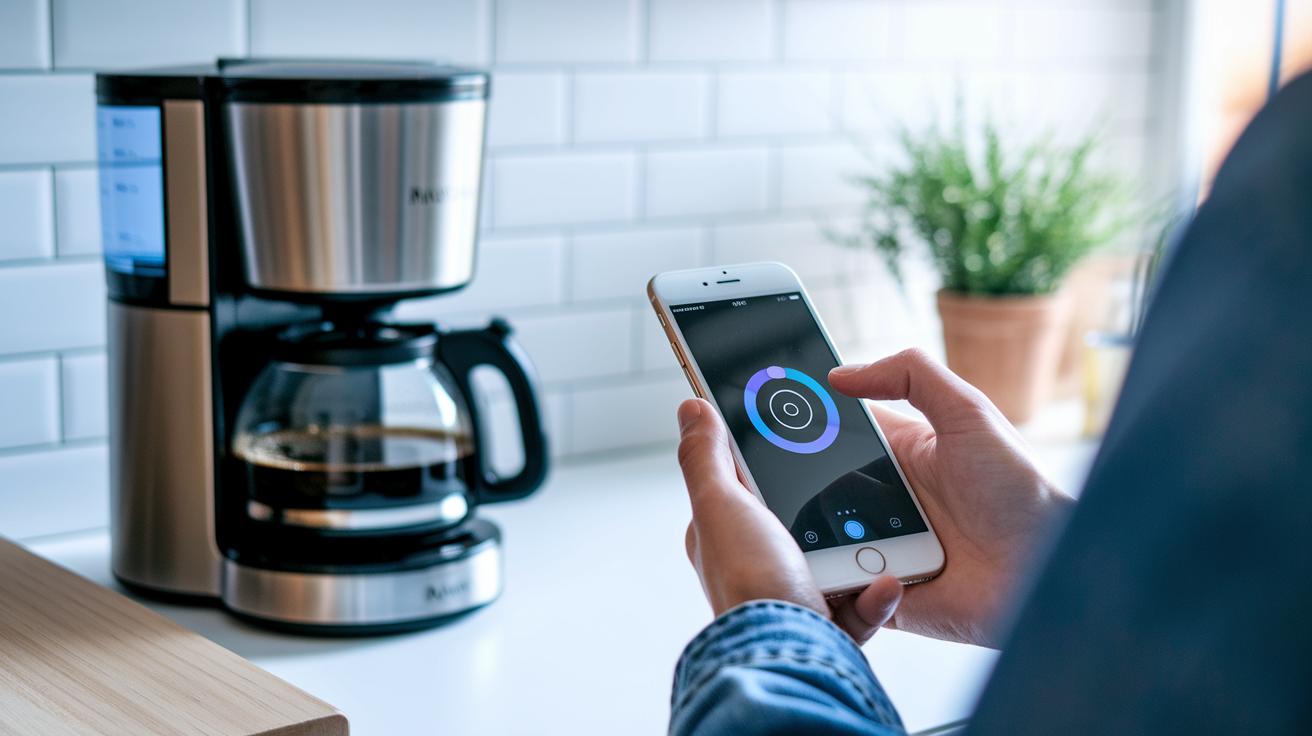
When you're picking out your first smart coffee maker, think about how simple it is to use, its fair price, and a reliable app that works every time. Look for a machine that lets you tweak your brew with a quick tap and has settings that are easy to understand. A coffee maker that heats up fast and shows what it's doing on a digital display makes crafting that perfect cup a breeze. Imagine setting your coffee strength and temperature right from your phone while you get your day started, all without any fuss.
| Model | Type | Key Smart Feature | Approx. Price |
|---|---|---|---|
| Sage Bambino Plus | Espresso | 3 sec heat-up, preset pre-infusion | $450 |
| Sage Barista Touch | Espresso/Custom | Touchscreen profile editing | $2,200 |
| Melitta Barista TS Smart F85/0-102 | Bean-to-Cup | One-touch carafe brewing | $1,100 |
| De’Longhi Dinamica Plus | Bean-to-Cup | Coffee Link app reliability | $1,000 |
| Gaggia Cadorna Series | Espresso | Four color-coded user profiles | $800 |
| Lavazza A Modo Mio Jolie Evo | Pod | Eco-design with voice control | $350 |
If espresso is your go-to, the Sage Bambino Plus really shines with its speedy performance and dependable pre-infusion feature. For those who want an all-in-one setup with a custom feel, both the Sage Barista Touch and De’Longhi Dinamica Plus provide modern, digital control that makes brewing fun and straightforward. Bean-to-cup machines like the Melitta model keep things extra simple, while the Gaggia Cadorna offers playful, color-coded profiles to brighten your morning ritual. And if you're leaning towards an eco-friendly option with a twist of voice control, the Lavazza A Modo Mio Jolie Evo might just be the perfect pick. Plus, if you love filter brews, consider the Sage Precision Brewer, it may be a bit more of an investment, but its larger capacity and balanced flavor make it worth every penny.
Setting Up Your Smart Digital Brewer: Step-by-Step Configuration
Start by connecting your brewer to your home Wi-Fi and launching the maker’s app. Follow the prompts on your screen to pair your device with your network. It’s a lot like setting up a new gadget on your phone, easy and clear. This lets your brewer chat with your smartphone, giving you control whether you're in the kitchen or another room.
Next, peek at any firmware updates available in the app and adjust the built-in temperature sensor. Firmware updates keep your machine in top shape, and a quick calibration makes sure the sensor reads the temperature just right, think of it like tuning a guitar so every note sings perfectly. This step sets the scene for brewing a great cup every time.
Then, enter your coffee-to-water ratio and pick the time and temperature you like. Adjust the mix of grind and water, set the pre-infusion time, and program a gentle pressure ramp. It’s a bit like following a trusted recipe that helps balance flavors in your cup.
Finally, run a test shot to make sure everything blends perfectly and save your custom profile. You can even use the app to schedule automatic cleaning cycles so your brewer reminds you when it’s time for a little refresh. This smart setup keeps your brewer ready to serve that perfect cup of coffee anytime.
Fine-Tuning Smart Digital Brewer Profiles for Optimal Extraction
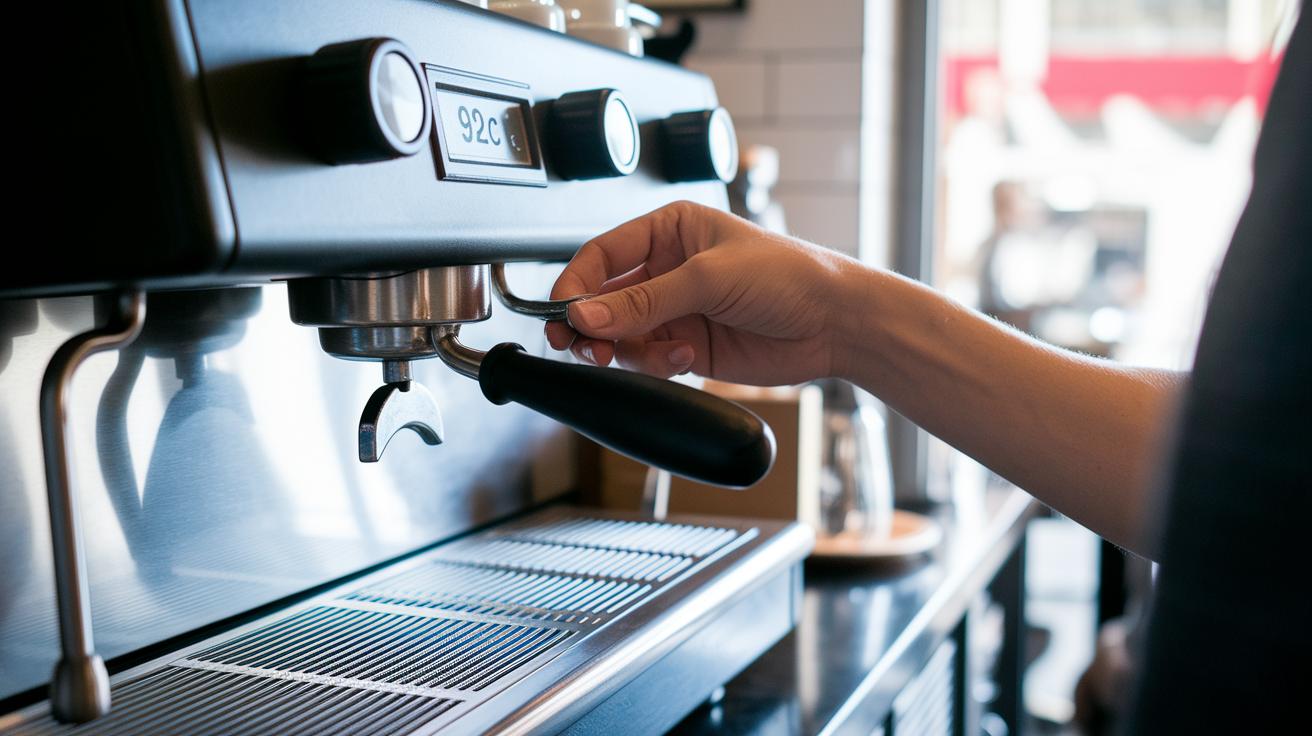
Smart digital brewing is all about experimenting with small changes to discover amazing flavors. Tinker with settings like temperature, pressure, and user profiles to create a cup of coffee that feels just right for you. It’s like crafting a personal work of art, where every little tweak can make all the difference.
Calibrating Temperature
Adjust the temperature in small steps of one degree Celsius. You’re discovering how a tiny change can brighten up or mellow the flavor. Think of it as finding that perfect heat, maybe 92 °C brings out a lively, citrusy spark, while 90 °C creates a deeper, sweeter feel. These little adjustments can reveal hidden layers in your brew, making your coffee an adventure in taste.
Adjusting Pressure Profiles
Pressure plays a big role in making your coffee balanced and smooth. By setting up a custom pressure-flow profile, you control how fast the pressure builds up and how long it stays steady. Picture it like gently pressing water through coffee grounds, giving you a well-rounded cup. A steady pressure might produce a balanced brew, while a slower start could bring more depth and character. And don’t forget the pre-infusion phase, where a gentle bloom of water works its magic before full pressure kicks in.
Managing Multi-User Profiles
This smart brewer can store different recipes, which makes it perfect for exploring various coffee styles like espresso, lungo, or cappuccino. Imagine saving profiles like “Morning Boost” or “Afternoon Comfort” that you can recall with just one tap. It’s a fun way to switch things up on your own or share your favorite settings with friends. This feature makes smart brewing not only versatile but also a very personal experience.
Maintenance and Troubleshooting for Smart Digital Brewing Devices
Keeping your smart brewer in top shape is as simple as sticking to a little upkeep routine. Think of it as a daily coffee ritual, small regular steps help fend off issues like sensor drift (when a sensor starts misreading), unexpected app disconnects (like those sometimes seen with the Melitta model), or even milk temperature hiccups on machines such as the Siemens EQ700. It’s like tending to your favorite mug; a bit of care goes a long way.
- Daily: Rinse your system with fresh water to clear out any buildup.
- Weekly: Run the auto-clean cycle (see the maintenance checklist guide for digital coffee brewing systems for more details).
- Monthly: Descale the machine to get rid of mineral deposits.
- Quarterly: Check and calibrate the sensors so they keep measuring just right.
- Every six months: Update the firmware and the app to ensure peak performance.
And if something unexpected pops up, try a few simple fixes. Often, a quick reboot or re-pairing with your network puts everything back on track. These everyday steps help extend your brewer’s life and keep every cup tasting just as delightful as the last.
IoT Automation in Smart Digital Brewing Routines
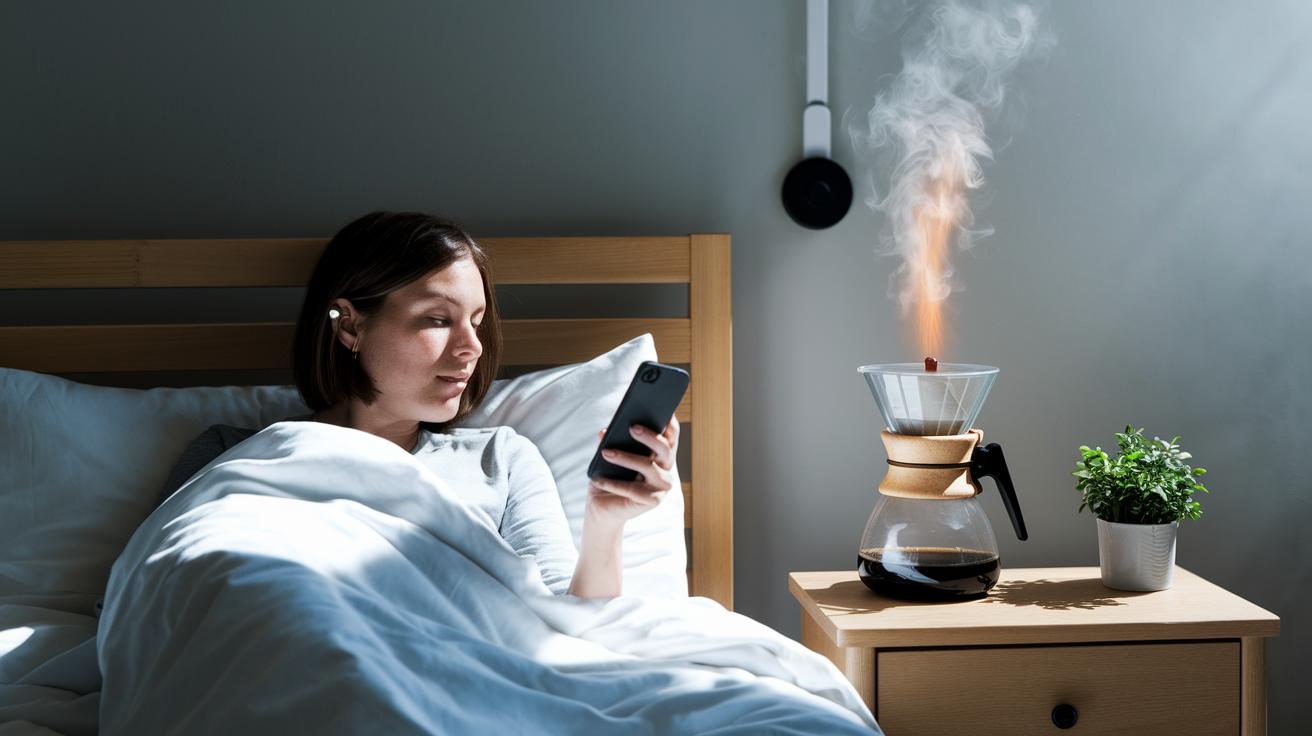
Hook up your smart brewer to a smart plug and pair it with home assistants like Alexa or Google Home for mornings that practically run themselves. This setup lets you power your machine on or off from anywhere, so by the time you’re up, your coffee is already brewing. Some brewers even let you start them with your voice, think of models like the Lavazza Jolie Evo, where a quick command gets your coffee moving without you having to lift a finger. Just imagine calling your brew to action right from your bed while you get ready for the day. It’s all about making your mornings feel smoother.
You can also use your brewer’s mobile app to set start times and get alerts when your coffee is ready. With handy push notifications, like those in the Coffee Link app used by the De’Longhi Dinamica, you’ll know exactly when your fresh cup is waiting. This feature lets you match your coffee schedule to your daily routine, ensuring you never miss that perfect sip. It’s a smart way to add barista-level convenience right to your home.
Final Words
In the action of mixing smart tech with the art of coffee, this post walked through everything from machine selection and setup to fine-tuning your brew profiles and routine maintenance. It showed how digital features help you create that consistent, delicious cup every time. Small steps throughout the setup and smart tweaks to your digital brewer can lift your home coffee ritual. This beginner's guide to smart digital brewing for home coffee enthusiasts reminds us that perfect coffee is just one smart decision away.
FAQ
What is smart digital brewing?
Smart digital brewing means using coffee machines with digital controls and app-based settings to create consistent flavor and ease that traditional methods can’t match.
What digital features do smart brewers offer?
Smart brewers offer features like app control, temperature management, pre-infusion routines, one-touch operation, and auto-clean reminders, making coffee setup simple and consistent.
How does one set up a smart digital brewer?
Setting up your smart digital brewer involves connecting to Wi‑Fi, pairing with the app, updating firmware, calibrating sensors, and programming brew settings like grind‑to‑water ratio.
How can I fine-tune my brew profiles for the best extraction?
Fine-tuning brew profiles means adjusting temperature, modifying pressure settings, and saving custom recipes so you can achieve the perfect coffee extraction tailored to your taste.
How do I maintain my smart digital brewer?
Maintaining your smart brewer includes daily rinsing, weekly auto-clean cycles, monthly descaling, quarterly sensor checks, and semi‑annual firmware updates to keep the device running well.
How does IoT automation improve my brewing routine?
IoT automation allows remote control using smart plugs, voice commands, and app notifications, ensuring your coffee is brewed on time with minimal effort for a truly hands‑free experience.