

Ever wonder what it would be like if your coffee machine kept its own little diary? Imagine it jotting down every detail, from pressure levels to the warm temperature of the water, so it always works at its best.
It has smart sensors that notice even the tiniest changes and let you know right away if something’s off. That means less wasted time and fewer wasted beans.
In this guide, we show you how secure cloud tools and real-time tracking team up to fine-tune your machine’s settings and energy use. Every cup you brew makes your coffee setup just a bit smarter.
How digital data logging enhances coffee machine performance
Imagine your coffee machine keeping its own diary. It uses smart sensors to check brew pressure, flow rate, and water temperature as you brew your cup. These sensors also spot any error codes or tiny shifts in calibration, so every detail of each cycle is recorded. This info is then sent to a cloud service like Microsoft Azure and made easy to see with tools like Power BI. It’s like getting instant feedback on every cup along with a clear record of how things are performing over time.
Think of this system as a friendly nudge. It continually tracks things like energy use per cycle and how long your machine runs between hiccups. When something seems off, you get an alert right away. With that reliable data, you can quickly adjust settings or plan maintenance, keeping downtime low and ensuring your brew is always just right.
- Fewer breakdowns thanks to real-time alerts
- Spot-on energy tracking to uncover waste
- Maintenance planned in advance based on solid data
- Reduced waste from fine-tuning operations
- Quick notifications that help you tackle issues fast
Fundamental components of digital data logging systems for coffee machines
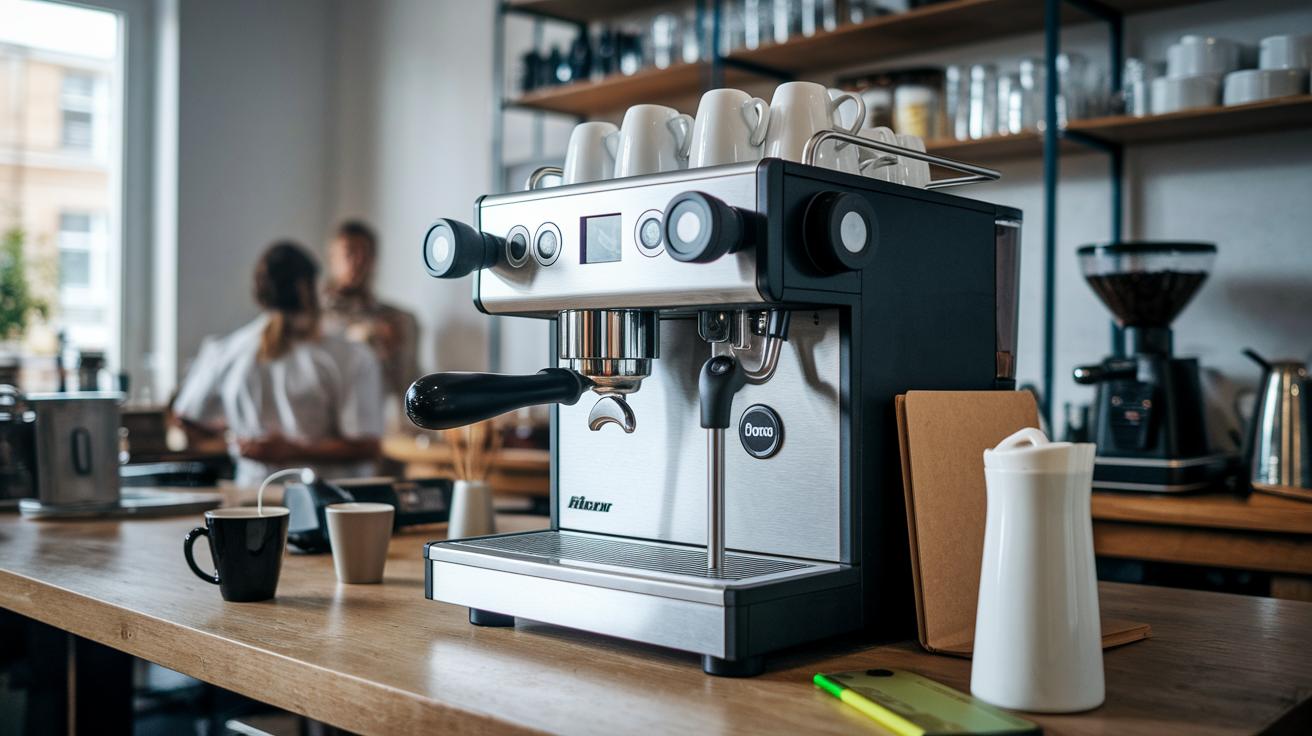
Today’s coffee machines pack in lots of sensors that check everything from brew pressure and cup temperature to how much power is used during each cycle. These sensors come in a modular design so that parts can be easily swapped when needed. Picture a setup where every coffee shot is logged to monitor the machine’s performance. It’s like having a personal dashboard that captures all the little details behind your perfect cup.
Security is a key part of these systems. Coffee machines use tools like MQTT and HTTPS with TLS 1.2+, basically, a safe way to send information, to connect with platforms like Azure IoT Hub. This ensures every piece of data, from flow rates to energy use during a cycle, is sent securely over the internet. With real-time insights, users can quickly spot any changes and fix issues before they become a problem. And this secure system is used by devices in 72 countries, trusted by big names like Starbucks and Nespresso.
Cloud platforms and dashboards bring all this information together in a clear way. Tools like Power BI help operators see details like uptime, shot counts, and energy curves at a glance, making it easy to compare efficiency. With extra readings on environmental factors like humidity and vibration, these systems provide a complete picture for keeping your machine running at its best.
| Sensor Type | Measured Parameter | Protocol | Cloud Endpoint |
|---|---|---|---|
| Pressure Sensor | Brew Pressure | MQTT | Azure IoT Hub |
| Temperature Sensor | Cup Temperature | HTTPS | Azure IoT Hub |
| Flow Sensor | Coffee Flow | MQTT | Azure IoT Hub |
| Power Sensor | Energy Consumption | HTTPS | Azure IoT Hub |
| Environmental Sensor | Humidity/Vibration | MQTT | Azure IoT Hub |
Calibration and sensor integration in digital data logging for coffee machines
Keeping your coffee machine’s temperature and pressure sensors in tip-top shape is a must. Regular calibration stops them from drifting off track, which could mess up your brew. By following tried and true industrial standards, you can check sensor readings at several points using known reference values, making sure every measurement counts.
The frameworks designed by HostMilano 2025 and the Sanremo IoT Cloud platform give you a solid way to verify sensor accuracy over time. This means you can run quick, reliable checks that help maintain consistent machine performance and minimize downtime. It’s like having a safety net that ensures every cup has the perfect flavor balance.
Modern sensor arrays are built to be flexible. They let you swap out modules for flow or temperature without stopping your machine. If a sensor starts to show signs of drift, you can replace it right away, keeping your system humming smoothly. Running multi-point checks against trusted standards confirms that every reading stays true, and regular tests of device reliability add an extra layer of assurance for every brew.
- Zero Offset Calibration
- Span Check Verification
- Drift Validation
- Module Swap
- Record Update
Setting up digital data logging solutions on coffee machines
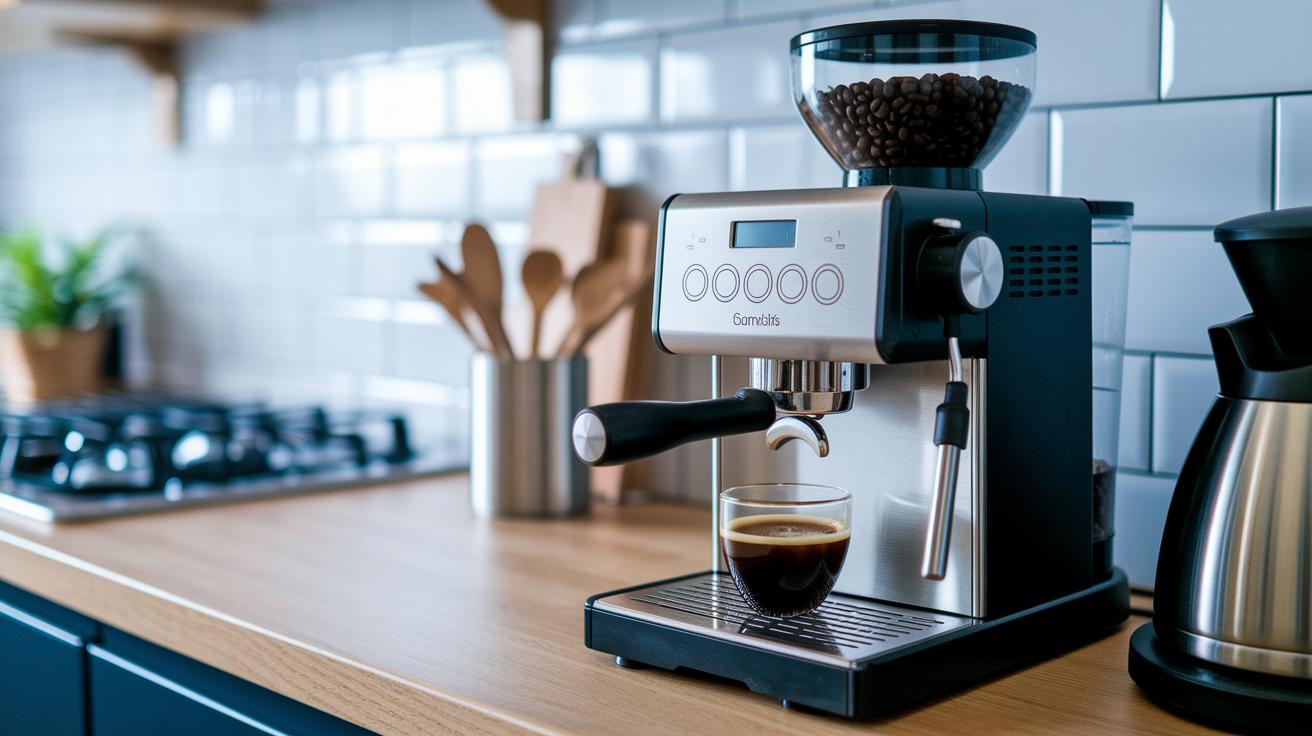
First, get your coffee machine ready to record all the important performance details by following a four-step process. Start by installing the hardware. Securely attach sensor modules around your machine so they can measure brew pressure, water temperature, and flow rates. This step builds a solid foundation for your setup.
Step 1: Sensor Mounting and Hardware Placement
Carefully position your sensors and other electronic parts so they line up perfectly for the best readings. This early stage makes sure your digital data logging will be steady and trustworthy.
Step 2: Network Setup and Credential Provision
Gather your network details and set up the needed certificates along with your MQTT broker keys. Use secure methods like HTTPS (which keeps your data safe as it moves between devices) to protect your information. For more details, check out the digital brewing guide for coffee machine setup.
Step 3: Edge-Device Provisioning and Cloud Registration
Use tools like the Azure IoT Hub SDK and REST APIs (simple ways to send commands between devices) to get started. Register your edge device with a secure cloud endpoint so your sensor data is sent live to services like Azure.
Step 4: Storage Option Selection
Decide whether to use local storage (like an SD card) or cloud-based storage such as Azure Blob storage. Think about how remote firmware updates can run quietly during off-peak times, acting as a backup if things go off track.
| Storage Option | Features | Ideal For |
|---|---|---|
| Local SD Card | On-premise, direct access, limited scalability | Settings where fast, offline retrieval is needed |
| Azure Blob Storage | Scalable, remote access, integrates with cloud tools | Systems needing remote logging and dynamic updates |
| Hybrid Storage | Combines local backup with cloud scalability | Environments requiring both offline and online data accessibility |
Analyzing digital data logs to optimize coffee machine performance
Imagine your coffee machine whispering its secrets every cycle. Data from sensors, like brew pressure, temperature swings, and flow rates, pours into our time-based storage right as it happens. This stream of numbers is our starting block. We blend these details using smart aggregation, much like reducing a robust brew into its core flavor notes, so the essential info stays vivid without bogging things down.
Operators get a friendly view through Power BI dashboards that transform these sensor signals into clear visuals. They can check out uptime charts that show how steadily the machines are performing, and shot-count graphs that reveal busy moments at peak times. Tools that look back at past trends help us spot things like machine wear or slow shifts in performance. Forecasting features then work like a seasoned barista, predicting when maintenance should happen to keep every cup perfect.
We also use clever methods that dig into the digital logs, using signal analysis that acts a bit like tuning a coffee grinder to catch the tiniest off-note. Custom visual layouts clear up even the trickiest data, like energy use per brew cycle. This means operators can zoom into the details and immediately spot if something like pressure or flow strays from the norm. All of these steps work together to keep the machine humming and your coffee tasting just right.
| Step | Description |
|---|---|
| Data Collection | Sensors record details from each brew cycle. |
| Data Cleaning | We tidy up the data to remove any noise. |
| Data Aggregation | Multiple readings are combined into neat, useful sets. |
| Data Visualization | Charts and graphs make the data easy to understand. |
| Anomaly Detection | Detects unusual patterns, just like spotting a sour taste. |
| Forecasting | Predicts when maintenance is needed to avoid any hiccups. |
Picture a dashboard mockup: a clean layout where you see an uptime chart, shot-count graph, energy consumption curve, and a forecast panel showing upcoming maintenance. Together, these help you quickly notice if anything is off, making sure every cup of coffee is brewed to perfection.
Troubleshooting and maintenance with coffee machine data logging
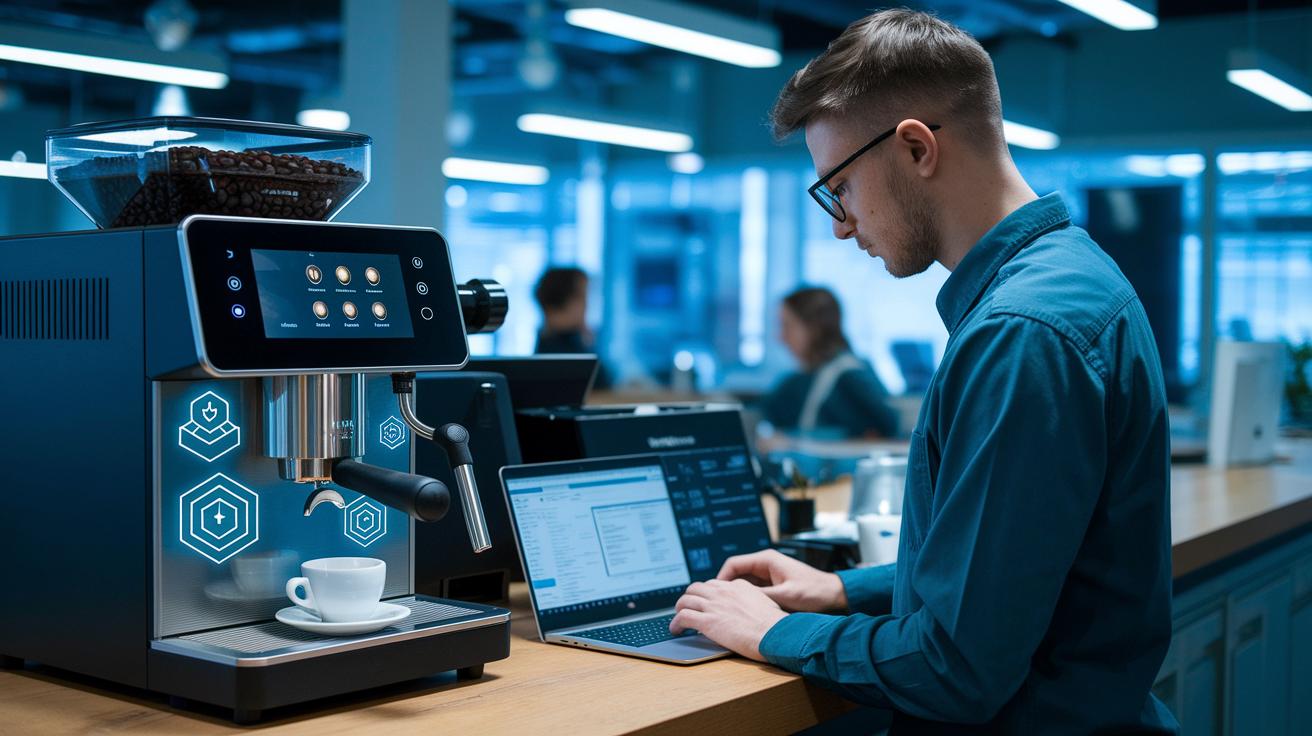
When a hiccup occurs, digital logging becomes your trusty sidekick in figuring out what’s wrong. Ever notice how issues like a fuzzy MQTT connection, expired TLS certificates, or even slow network speeds can mess with your coffee machine’s sensor checks? These glitches can make it tricky to capture all the little details behind every perfect shot. Automated alerts jump into action when shot counts or pressure levels stray from what’s expected, so you never miss a beat. And with remote diagnostics through Coffee Cloud VPN, you can easily check on your machine’s health without having to be there in person.
This smart system not only records error codes for fast, clear analysis but also works with the spare parts inventory to automatically generate work orders when needed. It’s like having a built-in coffee expert keeping things running smoothly, tackling small issues before they become big problems.
Proactive maintenance can lower downtime by up to 30%. Thanks to predictive maintenance planning, the system keeps an eye on all the sensor data around the clock. It picks up on unusual patterns and even suggests fixes before little hiccups turn into major setbacks. This means your machine stays in top shape and every cup is as consistent as the last one.
- Certificate renewal
- Latency testing
- Sensor validation
- Firmware rollback
- Automated work-order generation
- Follow-up testing
Case studies in digital data logging for coffee machine performance improvements
At a bustling mid-size café, digital data logging changed the way things ran every day. The café used sensor data, those devices that check things like temperature or pressure, to keep a close eye on their machines. With every espresso shot (about 300 during the peak rush) tracked, the team could adjust their schedules on the fly. Thanks to these smart insights, machine downtime dropped by 30% in three months, and coffee waste shrank by 20%. It’s like having the perfect brew plan every time!
Imagine Thermoplan machines working in 72 countries, each sending its own stream of performance details. Operators used user-friendly dashboards to compare how machines performed in different places. This global view revealed an instant 15% saving in energy use. With that kind of data, businesses could fine-tune their equipment tracking and really understand energy use across different regions.
In another scenario, detailed sensor logs cut down parts-ordering lead times by 40%. By linking real-time alerts with inventory management, technicians could jump into repairs quickly, keeping machines in top shape. This case shows how keeping track of the details helps teams make fast, smart decisions.
Both of these examples show how digital logging isn’t just a fancy add-on, it really pays off. The café slashed downtime and waste, and the global data from Thermoplan machines boosted energy efficiency and improved maintenance routines.
| Metric | Result |
|---|---|
| Machine Downtime | 30% reduction |
| Coffee Waste | 20% decrease |
| Parts-Ordering Lead Time | 40% shorter |
| Energy Use | 15% savings immediately |
| Operational Planning | Enhanced through global benchmark data |
Final Words
In the action, we explored how digital data logging transforms coffee machine performance. We covered sensor integration, calibration, setup, data analysis, and troubleshooting to fine-tune every brew. Each section highlighted how technology meets care in perfecting your cup. This comprehensive guide to digital data logging for coffee machine performance shows that smart insights can make your routine reliably exceptional. Every innovation brings you closer to that perfect cup, leaving you ready for the next delightful sip.
FAQ
FAQ
What does a comprehensive guide to digital data logging for coffee machine performance 2022 cover?
The comprehensive guide explains how digital data logging captures vital metrics like brew pressure,
flow rate, and water temperature using sensors that relay real-time data to the cloud for better performance management.
How do coffee publications describe digital data logging for coffee machines?
The coffee publications describe digital data logging as a method where sensor data and automated alerts help monitor machine performance,
reduce downtime, and cut energy waste, keeping coffee quality consistent.