

Ever wonder if your coffee machine could work like its own little barista? Digital brewing mixes smart tech with the classic flavors we all love, making each cup feel like a warm hug. Imagine your machine using sensors, tiny devices that check things like temperature, to mimic an expert barista, creating that perfect brew every time.
This simple guide walks you through setting up your machine, one easy step at a time. Think of it like tuning a guitar: get the temperature and timing just right, and you’re rewarded with a coffee that's rich in flavor and warmth. So why not let digital brewing turn your morning routine into a true craft? Enjoy that perfect cup, and savor each moment like the rich aroma of freshly ground beans.
Digital Brewing Guide Fundamentals: Rapid Coffee Machine Setup
Digital brewing mixes science with the art of making coffee, helping you create a stellar cup every time. It works by heating water to about 195°F to 205°F and then slowly pouring it over medium-ground coffee for about 4 to 10 minutes. This method uses a coffee-to-water ratio of 1 to 16, so you get just the right balance of flavors with every brew.
Think of it like having your own mini barista. The machine uses tiny sensors that check the temperature and adjust the brew time automatically, kind of like the machine is whispering, "I've got this." It captures the perfect warmth and strength to create a robust cup, much like the delicate tuning of a guitar string.
This approach makes coffee making simple yet effective. Advanced digital controls keep everything steady, whether it's holding the water at the perfect temperature or pouring evenly to make every cup as good as the last. The sensors and controls work together to bring out the best in your favorite beans, blending modern technology with a classic coffee tradition.
In short, digital brewing gives you precision without any fuss, a smart way to enjoy your coffee while keeping things warm and welcoming, just like chatting with a friend over a perfect cup.
Step-by-Step Automated Setup Tutorial in Your Digital Brewing Guide
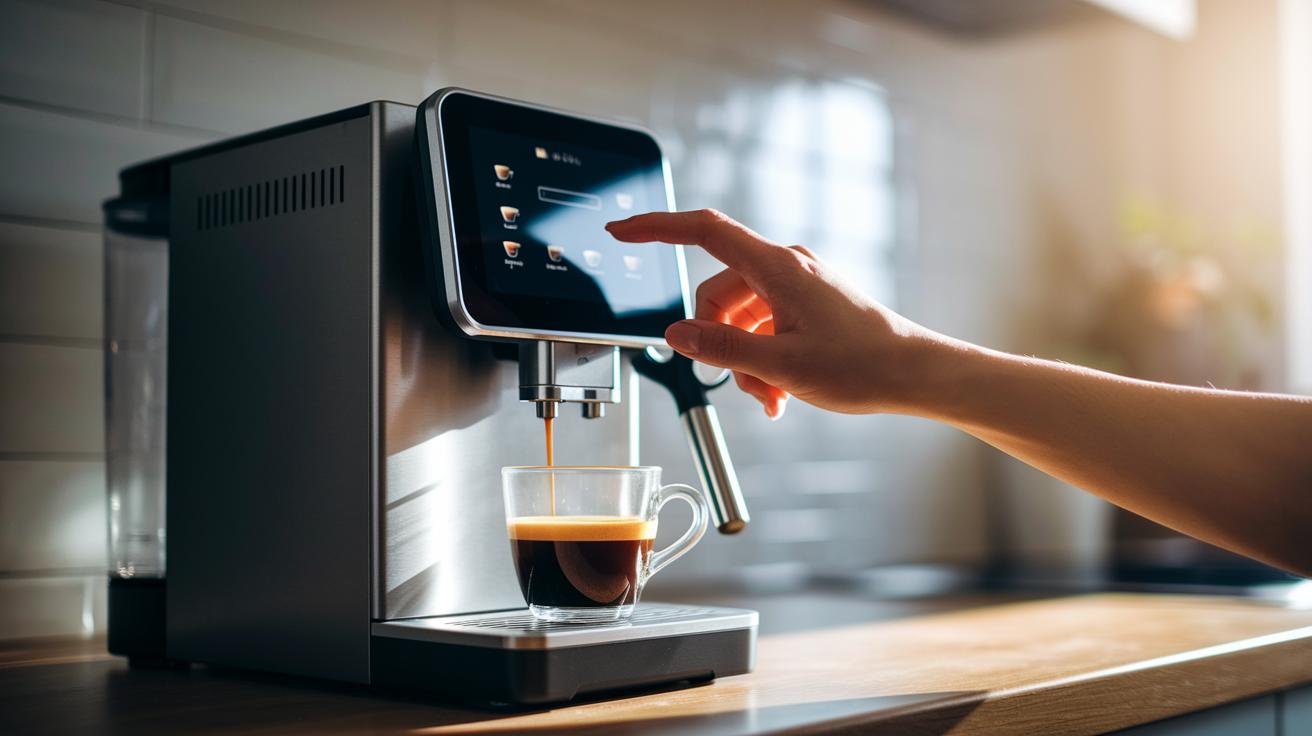
Get ready to enjoy a perfectly brewed cup with your modern, digitally controlled coffee machine. These machines let you handle everything, from water volume to grind size and temperature, using a friendly touchscreen or mobile app. It’s like chatting with an old friend while setting up your coffee exactly how you love it.
Here’s the breakdown:
- Fill and prime the water reservoir.
- Set the grinder to a medium grind.
- Program the temperature between 195°F and 205°F.
- Choose a digital 1:16 coffee-to-water ratio.
- Run a test brew and adjust as needed.
When you fill and prime the water reservoir, be sure the water is fresh and that the reservoir is clean. This helps keep any unwanted flavors away. A medium grind is key, it pulls out all the great flavors while keeping your brew balanced. Getting the temperature just right (within 195°F to 205°F) makes sure your coffee isn’t too weak or too strong, and the digital 1:16 ratio makes every cup consistent. If the test brew shows a few tweaks are needed, you’ll notice differences in taste, so keep an eye on how long it brews and how it tastes.
It never hurts to double-check that all the settings match your favorite recipe before your regular brew. Watching the machine during the test run helps you spot any little issues with the temperature or water flow. A few small adjustments after your first try can go a long way toward making each cup uniquely yours. Enjoy the process, and soon your machine will deliver a delicious, robust cup every time.
Tech-Driven Calibration Steps for Precision in Your Digital Brewing Guide
Getting your machine's sensors set up right is key to ensuring every brew hits the mark. Your machine keeps an eye on things like temperature (how warm your water stays), the speed of the flow (how fast or slow your water moves), and pressure (the steadiness that helps extract flavor). When these sensors are just right, they keep your water between 195°F and 205°F and manage a flow that suits a brew cycle of about 4 to 10 minutes. It’s like giving your coffee a quick taste before you enjoy a full cup.
| Sensor | Parameter | Optimal Range |
|---|---|---|
| Temperature Sensor | Heat | 195°F–205°F |
| Flow Meter | Brew Duration | 4–10 minutes |
| Pressure Sensor | Force | Stable for balanced extraction |
Once your sensors are all set, run a test brew to double-check everything’s in place. Look at the readings and adjust if needed, kind of like taking a quick sip to ensure that perfect flavor before you dive in.
Graphical Interface Operation Steps in Your Digital Brewing Guide
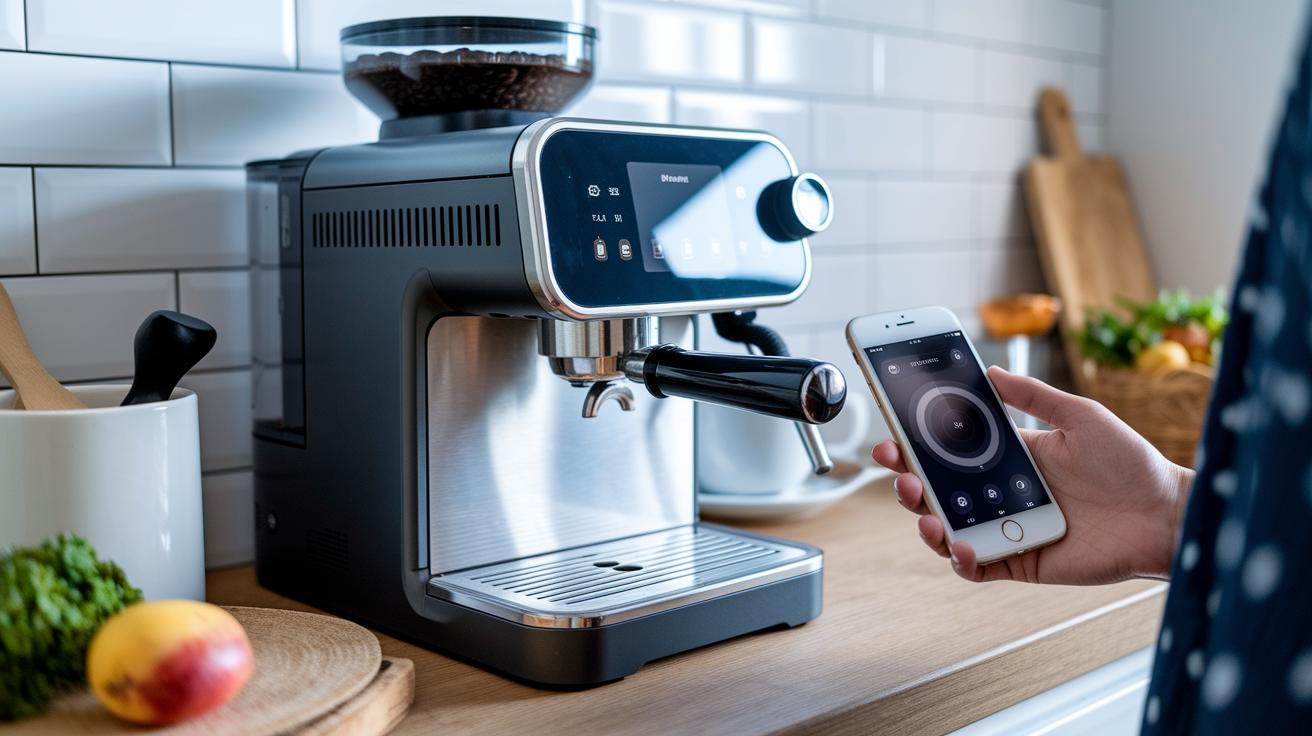
Digital coffee machines now feature a friendly touchscreen that shows you important details like temperature, brew time, and the perfect coffee-to-water ratio. Everything is right there, clear as day. Plus, a simple control panel diagram (<<
Using the mobile app is just as easy. A few quick taps let you start the brewing process, adjust your settings, or even check on your machine from another room. It really feels like having a friend help you out. Curious to learn more about smart coffee tech? Just click this link (https://aboutjoe.com?p=) on your device. And if you need a bit more guidance, a clear video tutorial (<<
Take a moment to tap into the screen and check your brew details. Every action, from selecting options to swiping through menus, feels as natural as stirring a fresh cup of joe. With these easy visuals and handy tips, using your digital coffee machine becomes a smooth, engaging experience.
Troubleshooting Common Issues in Your Digital Brewing Guide
Sometimes your coffee machine struggles to keep the water in that perfect range of 195°F to 205°F. When it drifts out, your coffee might end up tasting too bitter or too weak. It often means the temperature sensor isn’t reading correctly. Take a moment to check the sensor against your brew’s performance. A quick look can save you time and keep your coffee tasting just right.
Another hiccup can happen when the water doesn’t flow consistently. If the liquid rushes too fast or drips too slowly through your coffee bed, you might end up with a cup that is either under-extracted or overly bitter. Keep an eye on the brew time. If it feels off, it could be due to a clog or a misbehaving flow meter sensor. A gentle clean and a quick recalibration might be all you need to restore a smooth flow.
Sometimes, sensor misreads can even trigger unexpected error codes on your machine’s display. When you see these alerts, simply use the touchscreen menu to reset the sensor. Then, run a test brew to make sure everything is back in sync. This straightforward check helps you spot issues quickly and fine-tune your machine so that each cup is as balanced as that perfect morning blend.
Maintenance, Firmware Updates, and Network Integration in Your Digital Brewing Guide
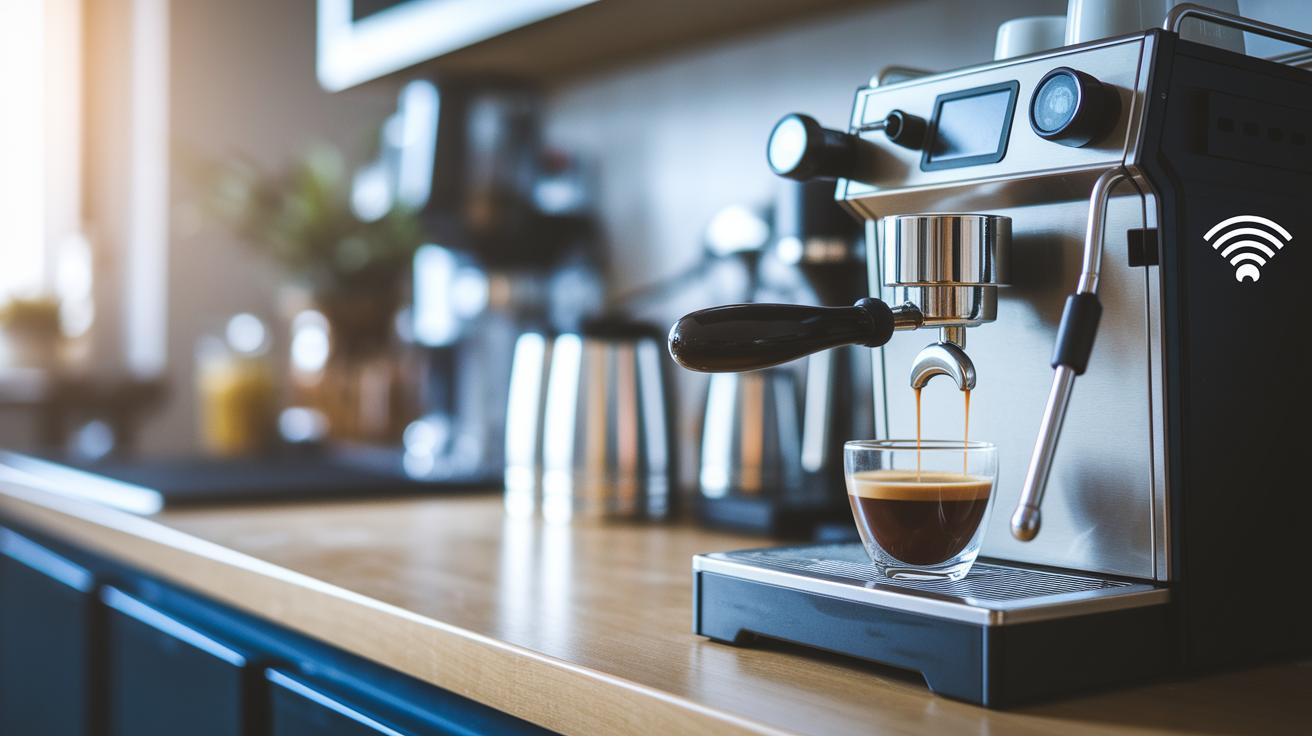
Keeping your coffee machine in great shape means regularly updating its firmware. Whether you update via USB or Wi-Fi, which means connecting it to your network to get the latest improvements, you're boosting performance, adding security, and even unlocking cool new features. Think of it like giving your machine a little tune-up so every cup stays just as perfect as when you first fell in love with it. When an update pops up, simply connect it and let the system take care of everything. This smart step means fewer surprises and keeps your machine running smoothly, so you get top-notch coffee every day.
Hooking your coffee machine up to your network can really simplify your life. It lets you check in on your machine from anywhere and even set auto-alerts or maintenance reminders through its app or web dashboard. This setup makes it easy to spot any small hiccups before they turn into big issues. So, enjoy the peace of mind that comes with a secure, reliable, and always-ready brewing experience.
Final Words
In the action, we've walked through the digital brewing guide fundamentals, programmed the perfect setup, and fine-tuned sensor calibration. We've explored the interactive control panel and learned how to troubleshoot common issues.
We've also touched on keeping firmware updated and ensuring seamless network integration.
With precise temperature control, personalized settings, and real-time diagnostics, digital brewing guide for coffee machine setup makes your brewing process smart and effortless.
Enjoy the journey toward that perfect cup every time.
FAQ
What is the best digital brewing guide for coffee machine setup?
The best digital brewing guide shows you how to quickly set up your coffee machine with clear digital controls that optimize water temperature, grind size, and brew time for a consistently great cup.
How are coffee machine buttons explained, including espresso and Nespresso models?
The coffee machine buttons indicate functions like power, brew strength, and programming; they help you navigate settings on espresso, Nespresso, or other models for simple, accurate extraction.
What are some coffee machine setup ideas for making good coffee at home?
The coffee machine setup ideas focus on maximizing home brewing by using the right water temperature, grind, and digital settings so you can easily enjoy a perfect cup at home.
What are the four best coffee brewing methods?
The four best brewing methods include drip coffee, French press, cold brew, and espresso-based ristretto; each offers unique flavor profiles and caters to different brewing styles and preferences.
What do the 80/20, 15 15 15, 2:1, and 10 second rules for coffee require?
The coffee rules provide simple guidelines on coffee-water ratios and extraction times: the 80/20 focuses on proportion, the 15/15/15 and 10 second rules adjust timing, and the 2:1 rule suits bold espresso shots.
What distinguishes drip coffee, French press, cold brew, instant coffee, Turkish coffee, and ristretto?
The coffee types differ in brewing methods and flavor profiles: drip coffee uses gravity and filters, French press steeps grounds, cold brew simmers, instant dissolves, Turkish coffee is finely brewed, and ristretto is a concentrated espresso shot.